No Asteroids Tools & Utilities
Check your PC, plan installs, and prep for solo or eight-player shifts.
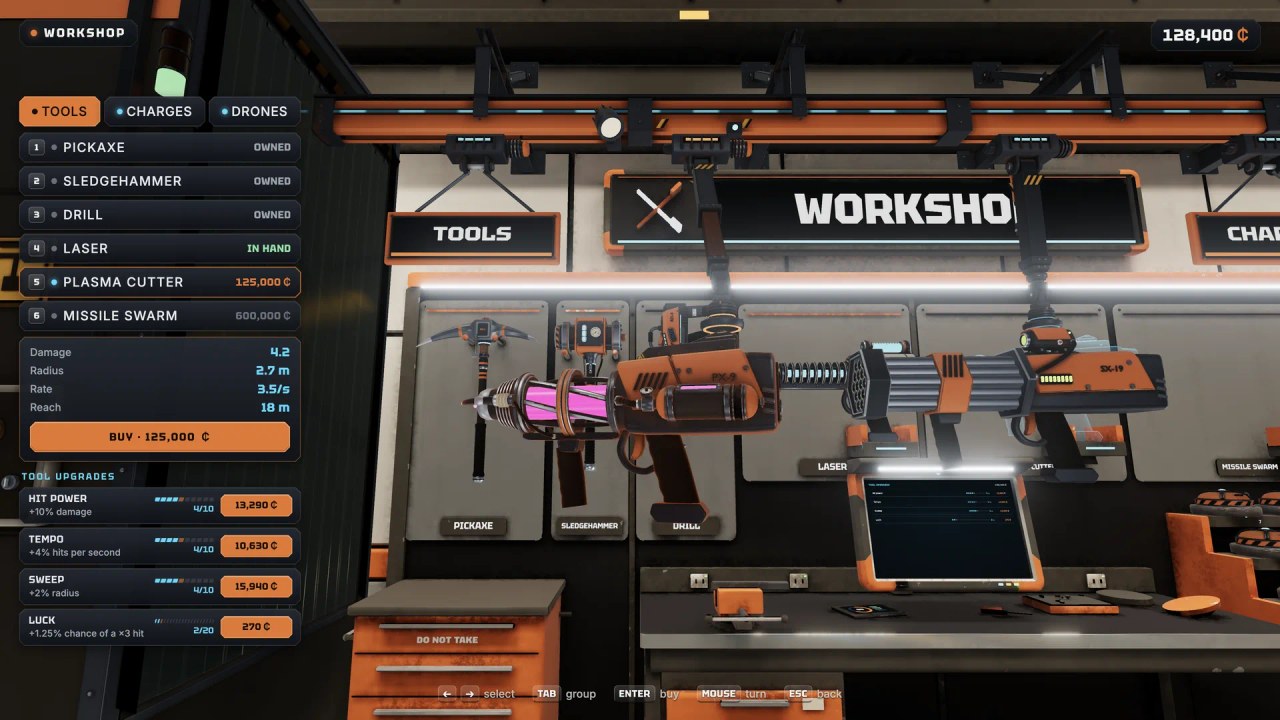
The Tools hub collects utility pages for No Asteroids—practical references that sit beside narrative guides and tier lists. Start with System Requirements before a wishlist night turns into a driver scavenger hunt. This hub will grow with calculators and checklists as the November 24, 2026 Steam launch (Unruled Games, $7.99) and the live demo teach us what players ask for most.
No Asteroids is an upcoming first-person mining game: dig 5,000,000 m³ in 90 days, sell ore, buy six handheld tools and nine ship guns, and optionally run online co-op for up to eight. The free demo covers the first 15 in-game days with save carryover on the same computer. Platforms: Windows 10/11 64-bit and macOS on Apple Silicon.
What belongs on Tools
- Hardware floors and recommended specs (Windows + Mac)
- Storage, input, and network expectations for co-op
- Quick links into gameplay hubs when a “tool” question is actually a guide question
If you need buy-order advice, that lives under Tier List, not here. If you need hosting rules, use Players. This hub stays closer to can I run it / how do I prepare my machine.
Featured: System Requirements
The System Requirements page mirrors official Steam minimum and recommended specs, then adds practical notes:
- Why 8 GB RAM minimum feels different once eight miners join
- GPU floors (GTX 1050 / RX 560 / Iris Xe class) versus smoother GTX 1660 / RX 5600 XT targets
- Apple Silicon-only Mac support (M1 8 GB minimum; M1 Pro / M2 class recommended)
- 1 GB install size versus leaving headroom for Steam, Discord, and recording overlays
- Controller vs mouse expectations after the November 12 demo patch
Read that page before blaming the voxel terrain for hitching that a laptop iGPU cannot hide.
Prep checklist for new installs
- Confirm OS: Win10 64-bit+ or macOS 12+ on Apple Silicon
- Update GPU drivers (Windows) or macOS point release
- Install the demo from Steam app 5527800 if you want a preview
- Join voice with friends via Discord—link on Official Links
- Skim Controls so the first lander ride is not a rebind panic
- Bookmark Patch Notes the week of launch
Co-op machine notes
Online co-op needs a working internet connection on every client. The host’s campaign save drives the shared contract; guests should still meet the same minimum GPU/CPU floors so dig simulation stays fair. Cross-platform multiplayer is listed on Steam—verify your party’s mix of Windows and Mac before you schedule eight seats.
Long sessions benefit from:
- Closing heavy browsers when on minimum RAM
- Wired Ethernet for the host when possible
- Matching demo/full-game build versions after patches (Updates)
Related gameplay tools (elsewhere on the wiki)
These are not child pages of this hub, but they function like planning tools:
- Mining tools tier list — six handheld ranks
- Ship weapons tier list — nine gun ranks
- Mining tips — shift efficiency
- Demo Guide — 15-day route
- Getting Started — day-one loop
After launch
When the full game unlocks on November 24, 2026, expect this hub to add launch-day QA notes (Deck verification if Valve rates it, ultrawide quirks, etc.). Until then, treat requirements as stable unless Steam’s store page changes—and re-copy any official edits onto the system requirements child page.
Stay light on disk, heavy on planning: No Asteroids only asks for about 1 GB, but the countdown asks for your full attention.
Frequently Asked Questions
Quick answers to the most common No Asteroids questions.
What is the Tools hub for?
Utility references such as system requirements and platform prep. Gameplay buy orders live under Tier List; hosting rules live under Players.
Where are Windows and Mac specs listed?
On the System Requirements child page, aligned with the official Steam minimum and recommended tables.
Does No Asteroids run on Intel Macs?
Official Mac support is Apple Silicon only (M1 or newer). Windows uses standard 64-bit PC specs.
How large is the download?
Steam lists about 1 GB available space for both Windows and macOS. Leave extra room for Steam content and voice apps.